
Getting started tutorial
Getting Started: Settings for Success
A foundation walkthrough for the settings and service details used by common DHG research workflows.
- Getting started
- Practical walkthrough
Prefer a new tab? Watch this lesson on YouTube.
Lesson overview
Turn the demonstration into a repeatable research step
A foundation walkthrough for the settings and service details used by common DHG research workflows.
Use the walkthrough as a starting point, then adapt the filters, research depth and verification checks to the purpose and risk profile of your own project.
Put it into practice
A simple after-video checklist
- 01
Repeat the workflow Recreate the demonstrated steps with a small, familiar example.
- 02
Save your criteria Record the filters and evidence that matter to your own acquisition goal.
- 03
Verify promising results Review history, links, trademarks, availability and total ownership cost before acting.
- 04
Refine the process Remove weak signals and keep the checks that consistently improve your shortlist.
From watching to finding
Put this lesson to work with DHG Pro
Take the workflow from this tutorial into live domain research. DHG Pro brings discovery, filtering, auction research and deeper evaluation into one connected process.
- Purpose-built domain discovery
- DomDetailer credit allocation
- Easy Expired Domains access
- DomRecovery included
Continue learning
Related video tutorials
Build a connected workflow by following this lesson with another practical demonstration.
 General Domaining Videos, PBN Guides, Getting started, Domain discovery, Advanced strategy
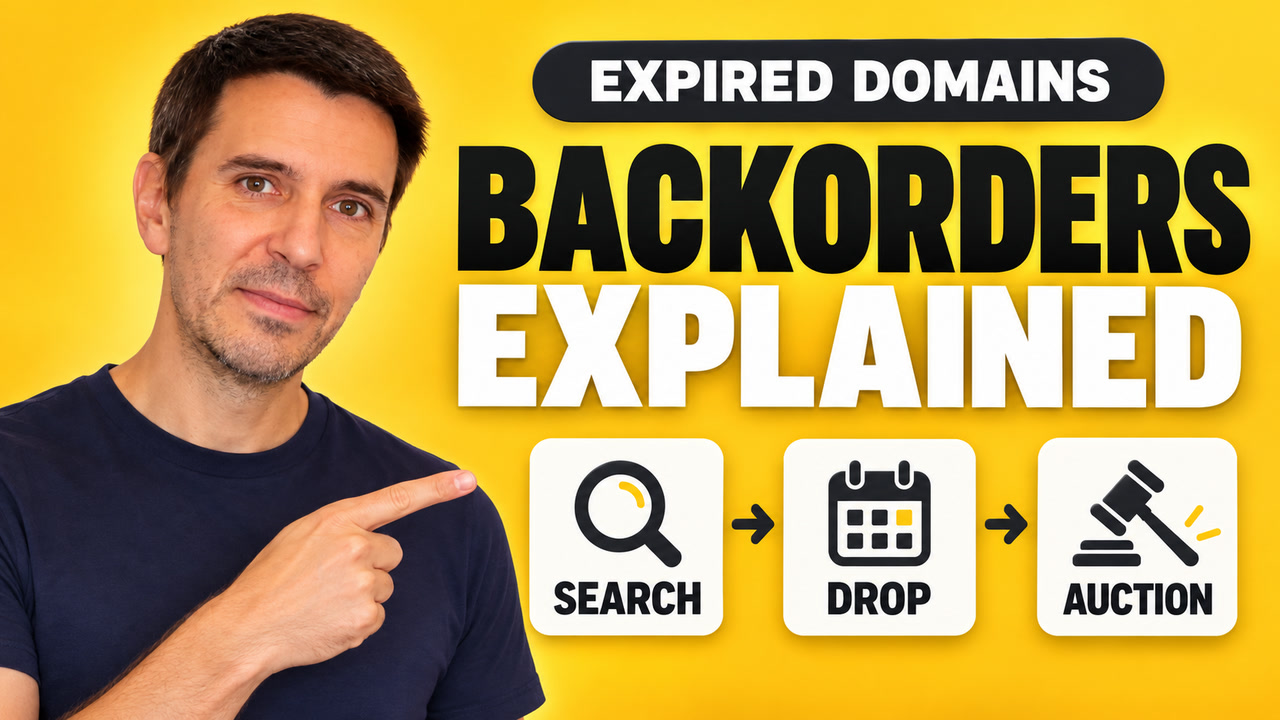
How to Backorder a Domain
This is a practical, step-by-step domain backordering tutorial using Easy Expired Domains and Gname. I show how I choose domains, select a backorder channel, confirm the order and deposit, follow the catch results, and use maximum bids when a domain goes to auction.
Open lesson → Getting started, General Domaining Videos, PBN Guides, Domain discovery, Workflow
What are Crawl Levels - Domain Hunter Gatherer Guide
Understand how crawl levels work in Domain Hunter Gatherer and learn how to choose the right crawling depth for different domain-discovery tasks.
Open lesson → Analysis, General Domaining Videos, PBN Guides, Getting started, Domain discovery
Don't Buy Expired Domains Until You See These 9 Red Flags
Learn the nine warning signs that can reveal spam, manipulated metrics, trademark risks and other serious problems before you buy an expired domain.
Open lesson →Continue with a written guide
Set the scope of a hunt with our practical guide to choosing DHG crawl levels.
For a focused search, use our walkthrough for finding forgotten domains in your niche.
Choose useful crawl starting points with our guide to researching domains linked by competitors.
Before registering a candidate, follow our steps for checking domain history and link quality.